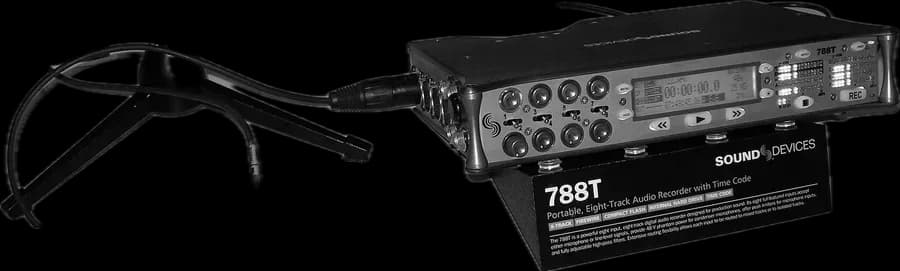
A shoot with two cameras and a sound recorder generates hundreds of files a day. If they all carry the same clock written inside them, editorial lines them up automatically. That clock is timecode, and whether it works depends on how it's set up on set.
What timecode is
HH : MM : SS : FF → 10:24:16:08
Hours, minutes, seconds and frames. The SMPTE standard labels each frame with a unique address, which is written into both camera and sound files.
Frame rate: everyone at the same speed
Timecode counts frames, so every device must use the same frame rate as the camera: 23.976, 24, 25 or 29.97 frames per second, among others. At 29.97 there's also drop frame mode, which skips some numbers so the clock matches real time. A frame rate mismatch between camera and sound is one of the costliest errors to fix in post-production.
Jam sync and drift
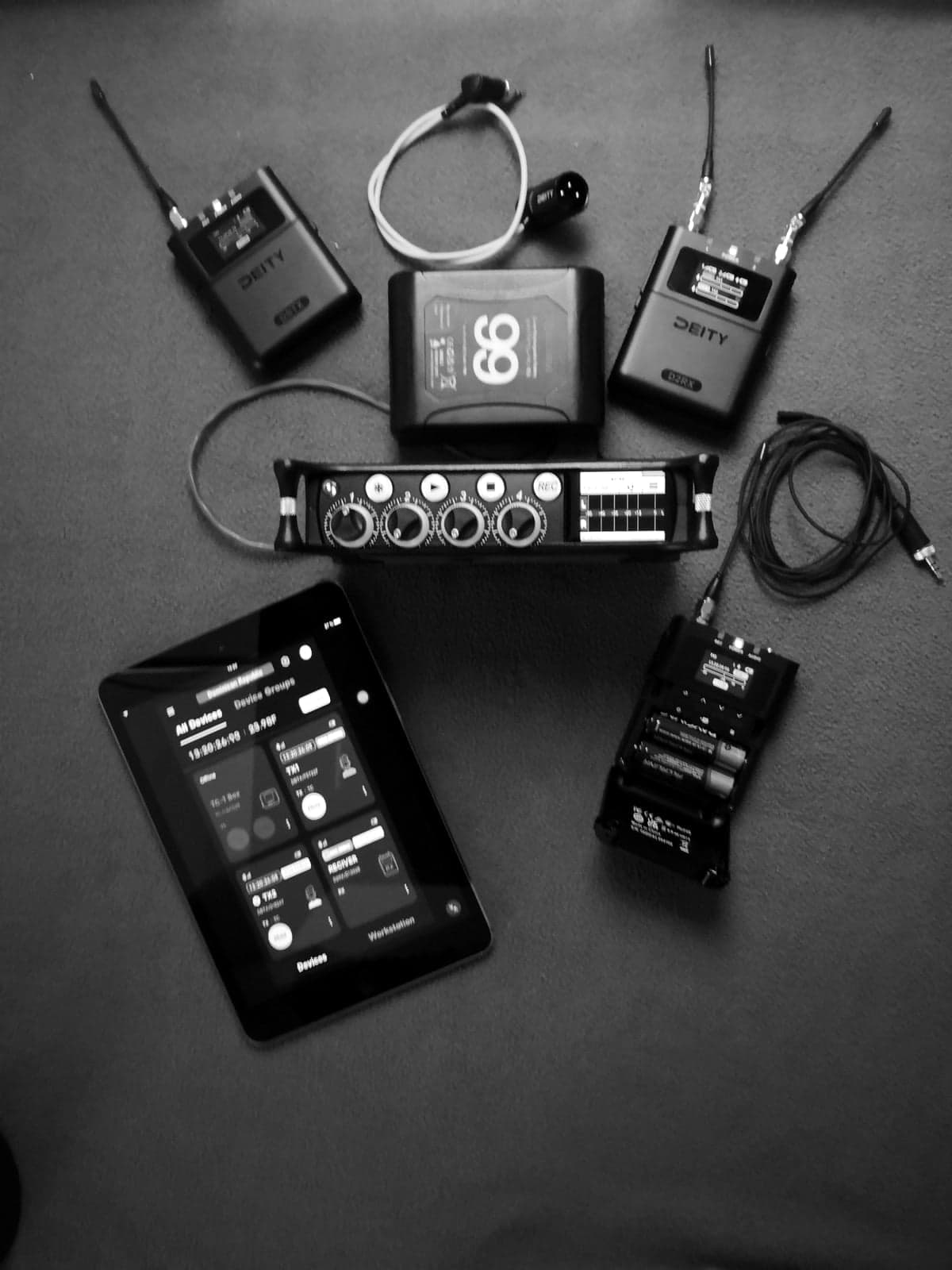
Syncing once isn't enough: each device has its own internal clock and, over hours, they drift apart. Professional recorders and external timecode generators use very stable clocks that hold sync all day; cameras with less accurate clocks are paired with a small generator box connected to their timecode or audio input.
| Mode | How it advances | When it's used |
|---|---|---|
| Free run / time of day | Always running, like a clock | Multi-camera shoots with sound: the standard |
| Rec run | Only advances while recording | A single camera, when continuous numbering is wanted |
Why is the slate still used?
- It identifies scene, take and camera for editorial and continuity.
- The clap is a visual and audio backup if something goes wrong with timecode.
- Timecode slates show the number on screen so it can be checked at a glance.
Timecode isn't word clock
Timecode says which frame each moment is, but it doesn't make two devices record at exactly the same speed. That's what genlock in video and word clock in audio are for. On most shoots good timecode is enough; on live multi-camera productions or with networked audio the sample clock is synced too.
Sources and recommended reading
Technical documentation from manufacturers and regulators. Links open external sites.
- SMPTE timecode · Wikipedia ↗
- Linear timecode · Wikipedia ↗