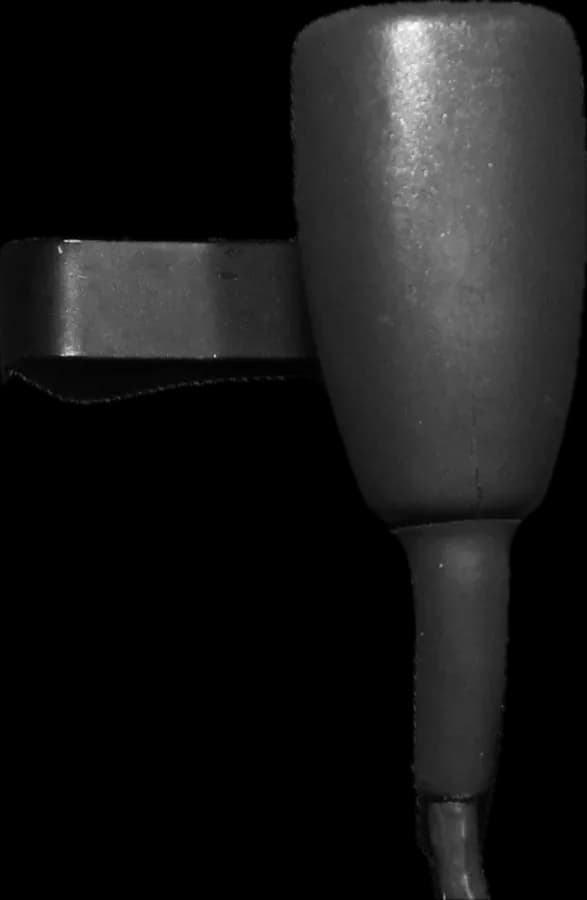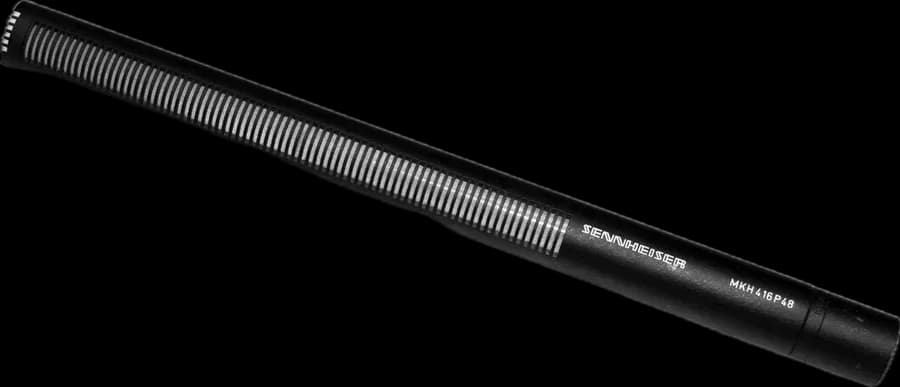
On many shoots each actor wears a lavalier and the boom follows from above as well. Each mic sounds fine on its own, but summed in the mix track the voice turns hollow, metallic or «tubey». It isn't the mics: it's the same voice arriving twice with a small delay.
Phase and polarity aren't the same
| Polarity | Phase (time difference) | |
|---|---|---|
| What it is | The signal is inverted: what should be positive is negative | The same signal reaches one mic before the other |
| Typical cause | A cable or adapter with pins 2 and 3 swapped, or a mic that inverts the signal | Different distance to the mouth, or the latency of a digital wireless |
| Effect when summed | Cancellation at all frequencies, especially the lows | Cancellation only at certain frequencies: comb filtering |
| Fix | Invert the polarity (Ø button) of one of them | Align them in time, or don't sum them at equal level |
The polarity button doesn't fix a time difference. With a delay, flipping polarity only changes which frequencies the notches fall on.
Why comb filtering happens
Δt = path difference ÷ 343 m/s notches at f = 1 ÷ (2·Δt), 3 ÷ (2·Δt), 5 ÷ (2·Δt)…
When two copies of the same signal are summed with a delay Δt, they cancel at the frequencies where that delay equals half a wave, and reinforce in between. On a frequency scale, the notches look like the teeth of a comb.
| Path difference | Delay | First notch |
|---|---|---|
| 10 cm | 0.29 ms | 1715 Hz |
| 34 cm | 1.0 ms | 500 Hz |
| 50 cm | 1.46 ms | 343 Hz |
| 1 m | 2.9 ms | 172 Hz |
A lav on the chest and a boom half a meter from the mouth already differ by several tens of centimeters, and that changes every time the actor turns their head or the boom operator moves. That's why the effect isn't constant: the voice sounds different from one shot to the next.
Digital wireless latency
A digital wireless turns audio into data and back again in the receiver: that adds a few milliseconds, which each manufacturer states in its specifications. If the lav goes through a digital wireless and the boom through a cable or an analog wireless, the conversion delay adds to the distance delay. It also happens when two digital systems with different latencies are mixed.
What we do on set
- Isolated tracks (ISOs): each mic is recorded on its own track, as well as the mix. In post they can be aligned or the best one chosen without carrying the problem over.
- In the mix, one leads: boom and lav aren't opened at the same level. With a difference of about 10 dB the comb becomes far less audible; it's the same idea as the 3:1 rule described by DPA.
- Per-input delay: many recorders let you delay each input by a few milliseconds (Sound Devices' MixPre series, among others). It compensates for a fixed latency, such as a digital wireless, not for the distance of an actor who moves.
- Automixer: some recorders include one (on the MixPre series, the MixAssist plugin) that lowers the mics not picking up the main voice and reduces phase artifacts when several are summed.
- Polarity checked: when setting up, speak with boom and lav open together and flip one; if the voice gains body when flipped, there was a polarity problem in the chain.
In post-production
With isolated tracks, the dialogue editor can slide one track to line it up with the other, or use tools that calculate and correct the delay continuously, such as Sound Radix Auto-Align Post. If the actor moves a lot, a fixed delay isn't enough, and the usual approach is to pick one mic per line instead of summing them.
Sources and recommended reading
Technical documentation from manufacturers and regulators. Links open external sites.
- The basics about comb filtering and how to avoid it · DPA Microphones ↗
- 3:1 rule · DPA Microphones ↗
- MixPre v5.00 featuring MixAssist · Sound Devices ↗
- Auto-Align Post · Sound Radix ↗